保存平台设置需要
super_admin角色。
设置分组
控件由设置类型决定:文本/数字输入框,或 boolean 复选框。保存时只提交当前活动分组;未保存就切换标签页,不会提交这些本地更改。
保存更改
- 选择分组。
- 阅读每项设置的标签与说明。
- 只修改必要的值。
- 保存当前活动分组。
- 检查成功提示。
- 重新打开该分组,确认值已保存。
- 在相关运营区域测试实际影响。
保存按钮不会提交非活动分组。
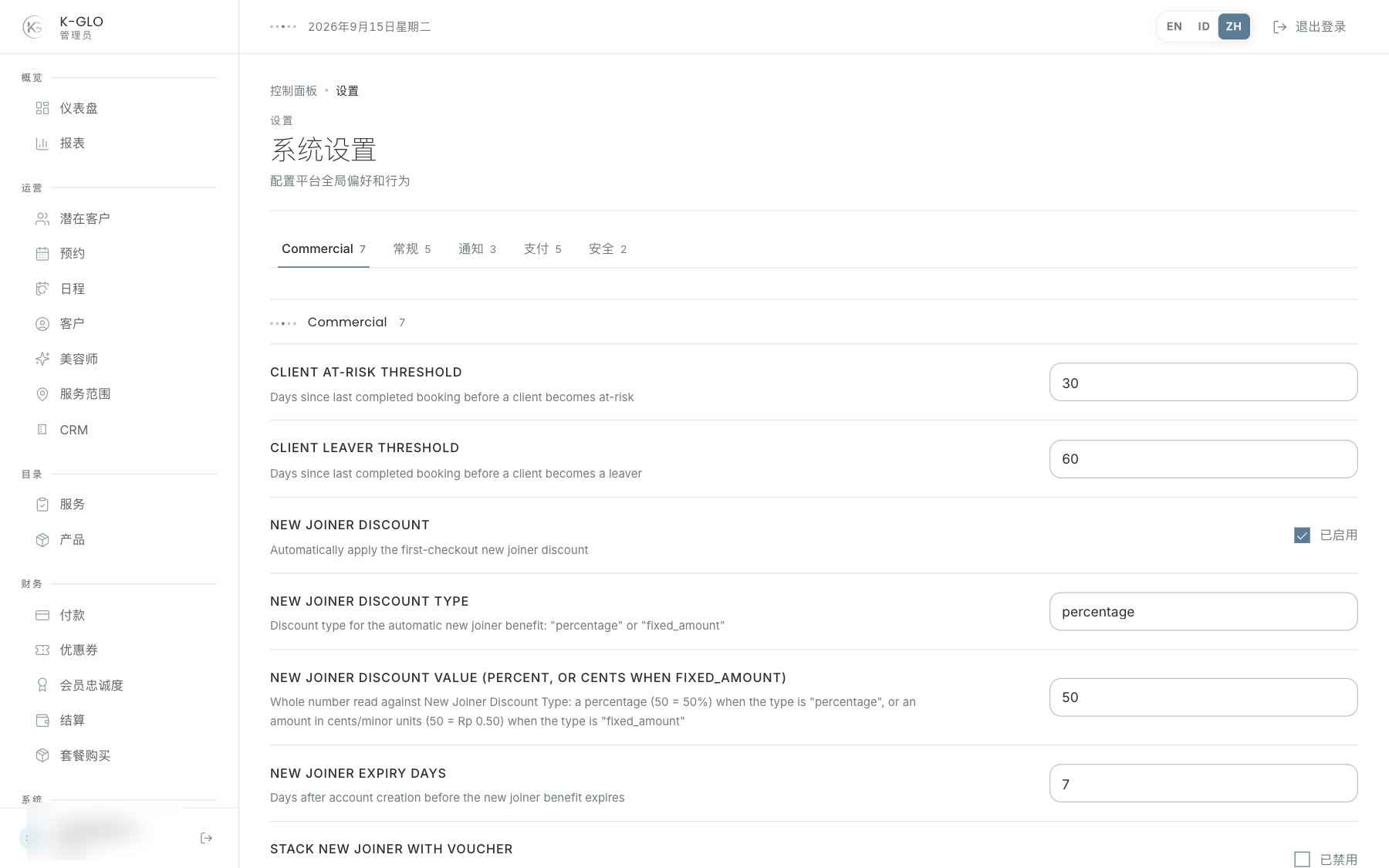
操作演示视频
视频使用隔离演示数据录制英文管理后台,并放慢播放以便跟随操作。敏感值已遮蔽。未执行外部付款或服务商发送。
录制日期:
admin updates a platform setting and restores its original value 0:06
已覆盖步骤(英文)
- As super administrator, leave an edited numeric value unsaved in Bookings, switch to General, change support email, save and verify the success alert and persisted support email.
- Verify the unsaved Bookings value was not submitted; reopen General to confirm its saved value, restore support_email, and verify restoration.
regular admin cannot save platform settings 0:04
已覆盖步骤(英文)
- As a regular admin, change the support email in the Settings UI and attempt to save.
- Verify the UI shows the access-denied message and the stored value remains unchanged.
测试边界(英文)
- A downstream operational effect for support_email is not verified; the walkthrough verifies the stored setting and successful save only.