潜在客户与预约汇总
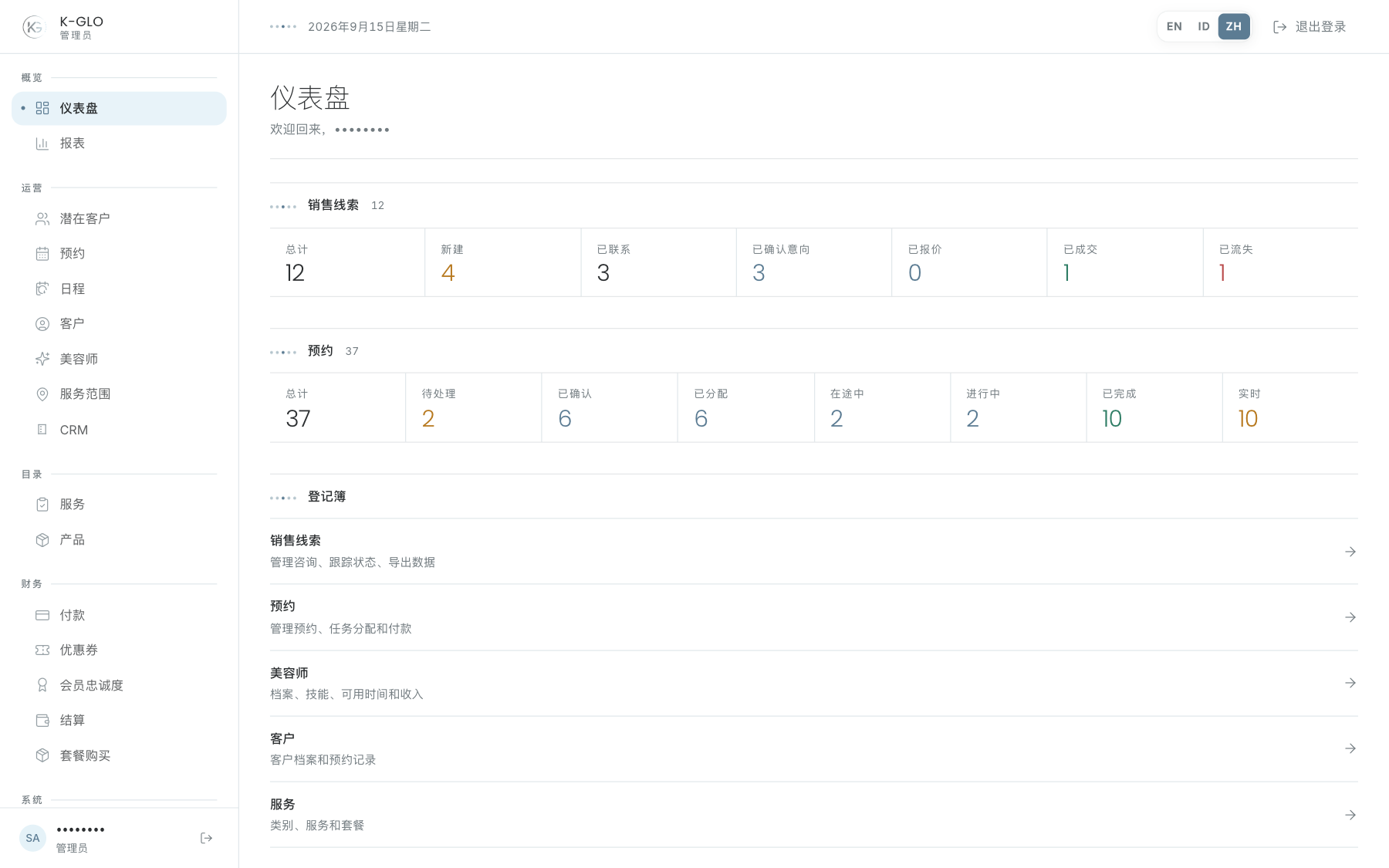
潜在客户和预约的数据摘要可以选择。选择某个状态数字,会打开已启用对应筛选条件的台账。Live 会打开状态为已分配、美容师出发中或服务进行中的预约。
Now in the field
如果当天有状态为已分配、美容师出发中或服务进行中的预约,本区域会列出活动任务。选择一行可打开预约详情,检查客户、美容师、地点、服务、支付与状态。
Registers
Registers 是主要工作区域的快捷入口。当任务并非从特定状态数字开始时,可使用这些入口。
每日检查顺序
- 检查当天预约与进行中任务。
- 打开需要分配美容师或更改状态的预约。
- 检查需要跟进的新潜在客户。
- 通过 Registers 进入目录、财务或系统工作。
操作演示视频
视频使用隔离演示数据录制英文管理后台,并放慢播放以便跟随操作。敏感值已遮蔽。未执行外部付款或服务商发送。
录制日期:
admin dashboard filters status figures, opens today's live booking, and follows a register 0:11
已覆盖步骤(英文)
- See the synthetic current-day booking in Now in the field, select its row, and inspect its booking detail.
- Select the In Progress figure and verify its booking filter, then select the Live figure and verify its live filter.
- Follow the Clients entry in Registers.