Product list
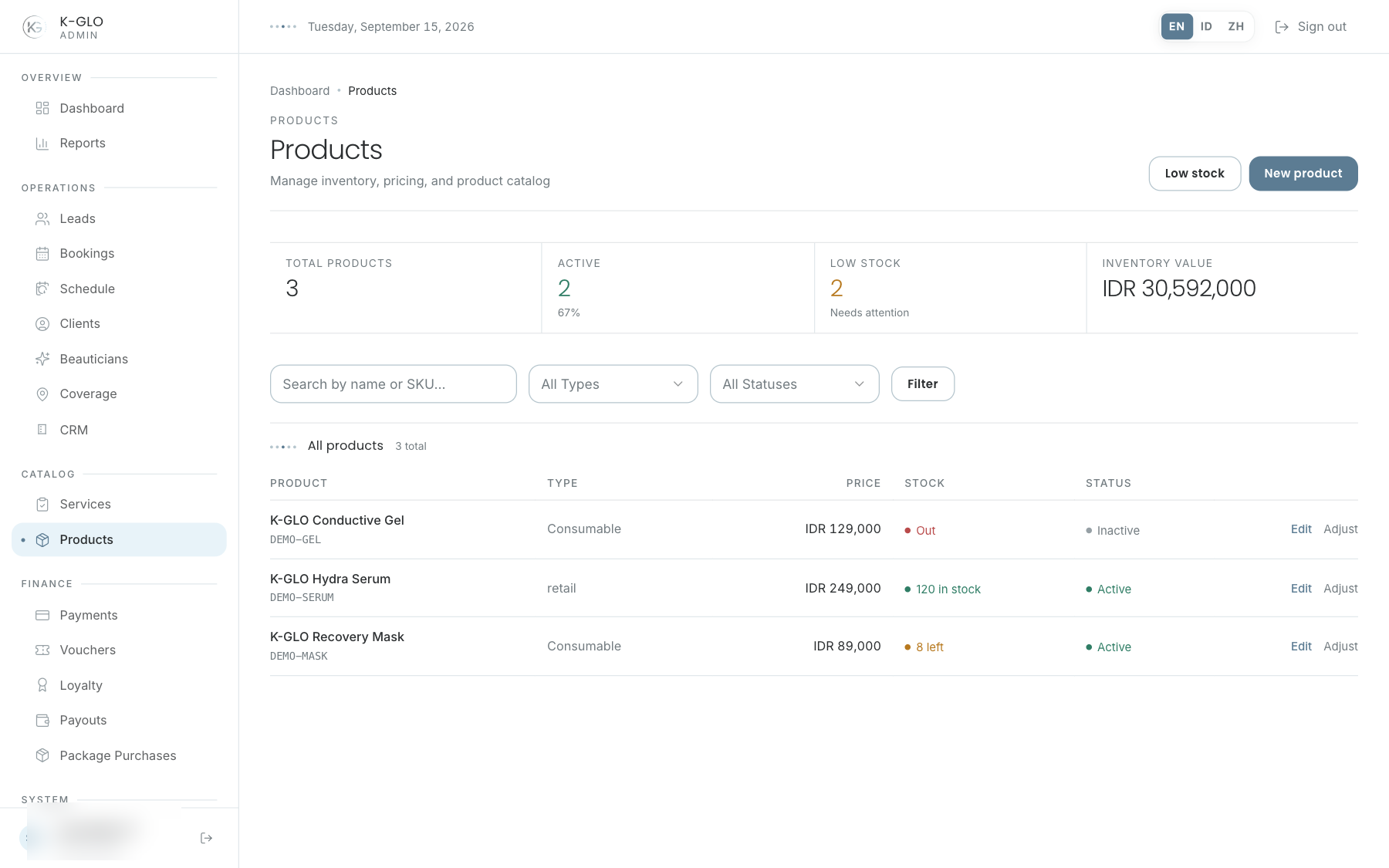
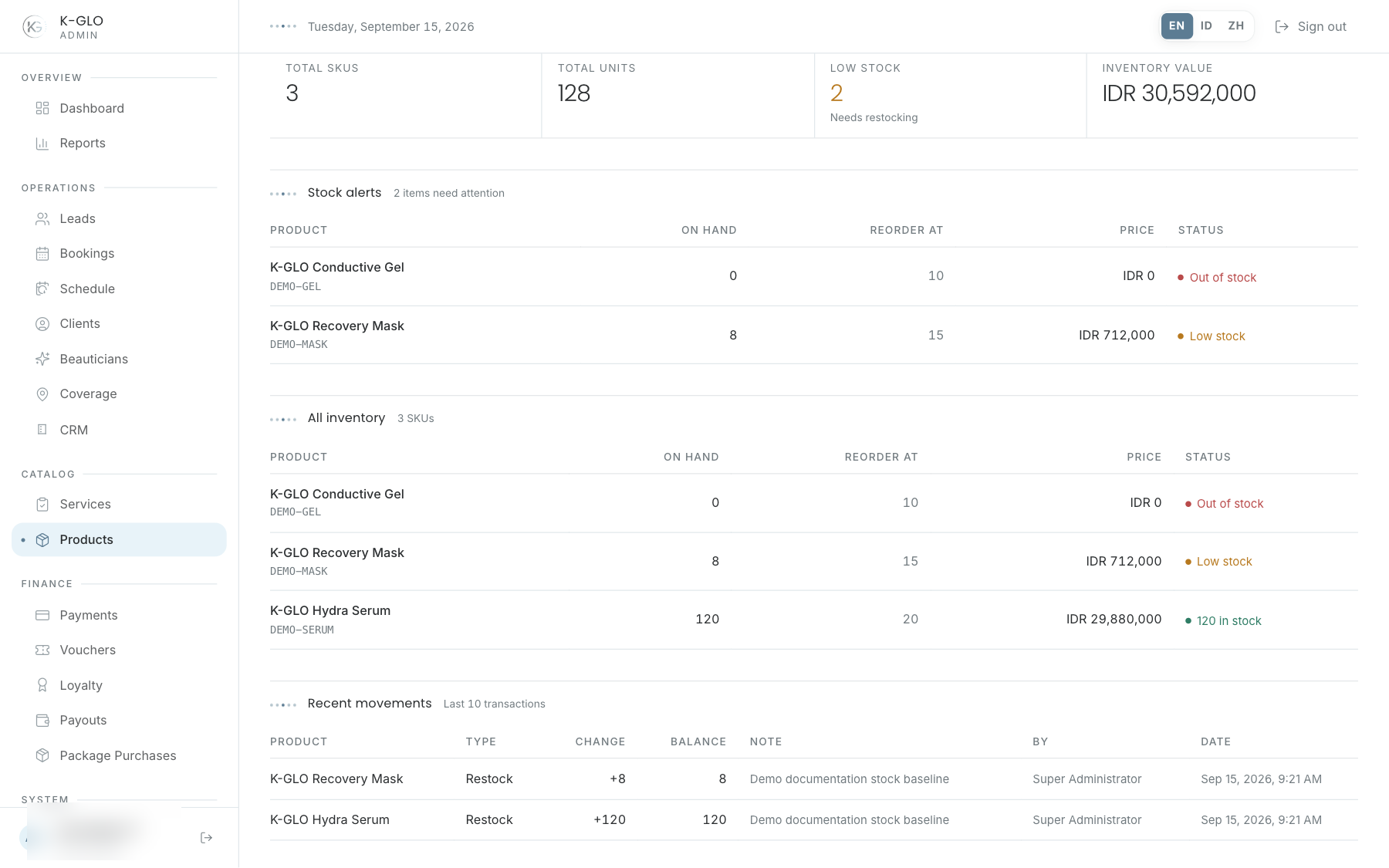
Search by product name/SKU or filter by type and active status. Stock status appears as out, low, or in stock. Select a row for detail/edit; use Inventory to review all stock items and recent movements.
Create and edit
- Enter the required SKU, name, type, price, category, and description.
- Upload an image when the asset provider is available; verify it on the product detail after saving.
- Save and check the product detail.
- Use edit to change non-stock catalog data and active status.
Stock adjustment
A positive value adds stock; a negative value removes stock. Enter the actual difference, not the final balance. If system stock is 8 and physical stock is 6, the correct adjustment is -2, not 6. The system rejects an adjustment that would take stock below zero.
- Check the product, balance, and latest movement.
- Enter a signed value and a reason.
- Save.
- Verify the new movement and final balance; a rejected adjustment changes neither.
Video walkthroughs
English Admin Web recordings from isolated demo data, slowed down so the steps are easier to follow. Secret values are masked. No external payment or provider delivery is performed.
Recorded:
admin creates a product and records a stock adjustment with an audit note 0:10
Covered steps
- Create a product and record a positive stock adjustment with an audit note.
- Attempt an adjustment that would take stock below zero and verify it is rejected without a ledger entry or stock change.
- Edit the product name, deactivate it, and verify persistence.
- Search for the product and filter by equipment type and inactive status.
- Open Inventory and verify the product is listed.
admin product image preview does not create a product when storage is unconfigured 0:05
Covered steps
- Choose a local brand image, inspect the product preview, attempt creation, read the storage-provider error, and verify no product was created.
Testing boundaries
- Cloudinary-backed product image upload success is not exercised; missing-configuration rejection is recorded without simulating provider success.